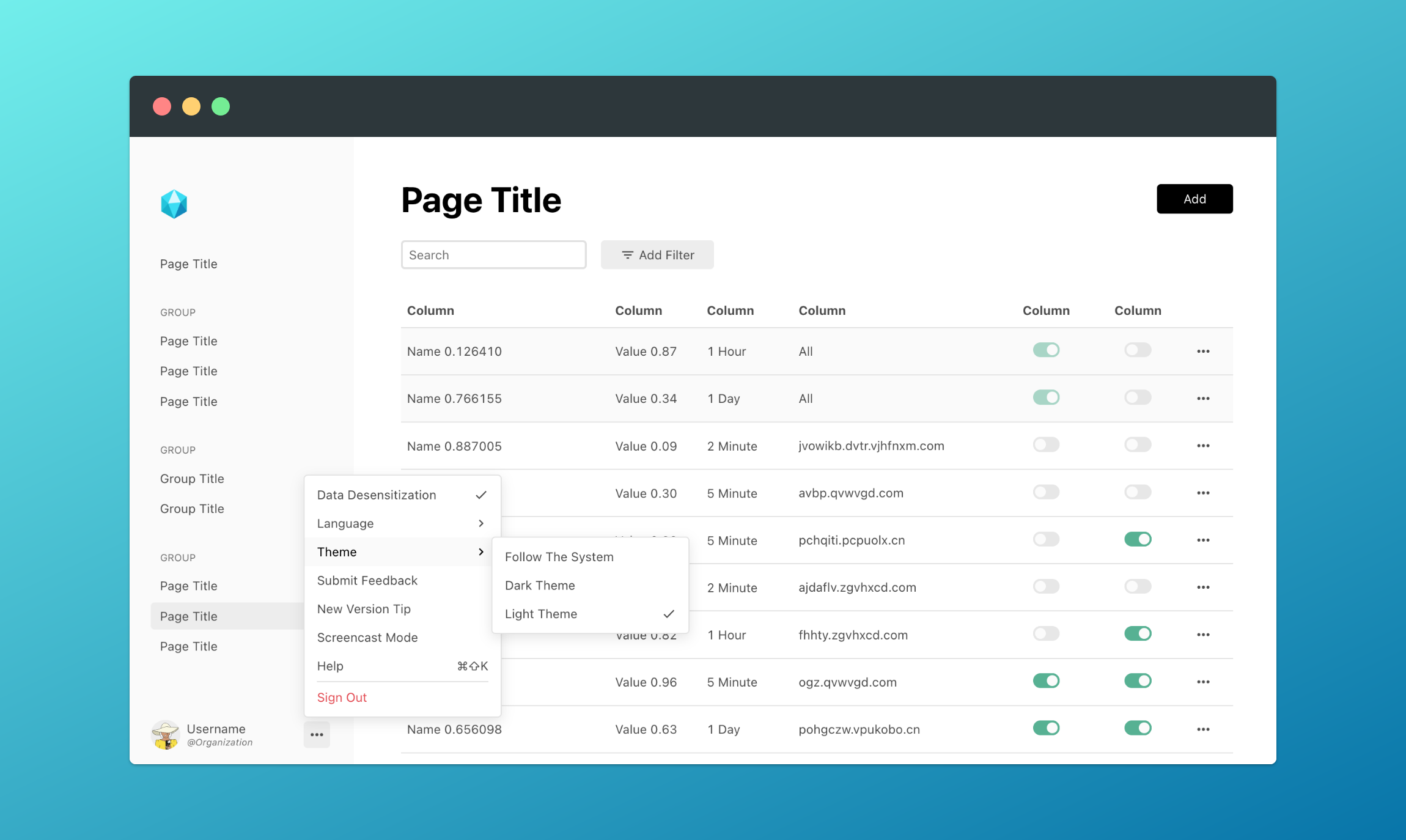
DuoyunUI'spattern elements and helper modules let you quickly create a CRUD app (example, React example). This article will use:
<dy-pat-console> to create the app basic layout
<dy-pat-table> to create the table page
helper/store to create a paginated data manager
helper/error to display error messages
Step 1: Create the App Framework
The <dy-pat-console> element uses a two‑column layout and fills the entire viewport. Insert <dy-pat-console> into the body element to see the basic layout.
import { render, html } from '@mantou/gem';
import 'duoyun-ui/patterns/console';
render(html`<dy-pat-console></dy-pat-console>`, document.body);import { createRoot } from 'react-dom/client';
import DyPatConsole from 'duoyun-ui/react/DyPatConsole';
createRoot(document.body).render(<DyPatConsole />);
Define Routes and Sidebar Navigation
<dy-pat-console> uses <gem-route> to implement routing. Routes are not only used to match and display content, they can also be used as navigation parameters; the sidebar navigation of <dy-pat-console> also supports the route format, so define them together before rendering:
When rendering pages with React, to better compatibility with Gem, you need to unmount the mounted root node first, then recreate a React root and render.
Define User Info and Global Menu
After that, you can specify user info to identify the user, and also define some global commands, such as switching language or logging out:
Next, fetch data from the backend and fill the table. URL parameters such as id can be read from locationStore, which is created by <dy-pat-console> to respond to app route updates, and it will not update from a page that is loading but not yet displayed. You need to bind it to the page so that the page reacts when id changes.
import { html, GemElement, connectStore, customElement, createState, effect } from '@mantou/gem';
import { get } from '@mantou/gem/helper/request';
import { locationStore } from 'duoyun-ui/patterns/console';
import type { FilterableColumn } from 'duoyun-ui/patterns/table';
import 'duoyun-ui/patterns/table';
@customElement('console-page-item')
@connectStore(locationStore)
export class ConsolePageItemElement extends GemElement {
#state = createState<{ data: any }>({});
#columns: FilterableColumn<any>[] = [
{
title: 'No',
dataIndex: 'id',
},
];
@effect((i) => [locationStore.params.id])
#fetch = async ([id]) => {
const data = await get(`https://jsonplaceholder.typicode.com/users`);
this.#state({ data });
};
render = () => {
return html`
<dy-pat-table filterable .columns=${this.#columns} .data=${this.#state.data}></dy-pat-table>
`;
};
}import { useState, useEffect } from 'react';
import { connect } from '@mantou/gem';
import { get } from '@mantou/gem/helper/request';
import { locationStore } from 'duoyun-ui/patterns/console';
import DyPatTable, { FilterableColumn } from 'duoyun-ui/react/DyPatTable';
export function Item() {
const [_, update] = useState({});
useEffect(() => connect(locationStore, () => update({})), []);
const [data, updateData] = useState();
useEffect(() => {
// const id = locationStore.params.id;
get(`https://jsonplaceholder.typicode.com/users`).then(updateData);
}, [locationStore.params.id]);
const columns: FilterableColumn<any>[] = [
{
title: 'No',
dataIndex: 'id',
},
];
return <DyPatTable filterable={true} columns={columns} data={data}></DyPatTable>;
}
So far the app has pagination, search, and filter features, but they are all client‑side, which means you need to provide all data to <dy-pat-table> at once. In a real production environment, the server usually handles pagination, search, and filter; you only need a small change to achieve this:
Here, store is created with createPaginationStore:
import { Time } from 'duoyun-ui/lib/time';
import { createPaginationStore } from 'duoyun-ui/helper/store';
import type { FetchEventDetail } from 'duoyun-ui/patterns/table';
const pagination = createPaginationStore({
storageKey: 'users',
cacheItems: true,
pageContainItem: true,
});
// Mock real API
const fetchList = (args: FetchEventDetail) => {
return get(`https://jsonplaceholder.typicode.com/users`).then((list) => {
list.forEach((e, i) => {
e.updated = new Time().subtract(i + 1, 'd').getTime();
e.id += 10 * (args.page - 1);
});
return { list, count: list.length * 3 };
});
};
const onFetch = ({ detail }: CustomEvent<FetchEventDetail>) => {
pagination.updatePage(fetchList, detail);
};Optimize Search Result Display (Optional)
When switching between having a search term and not having one, the page cannot immediately switch to the new list; you can assign a separate pagination for the search term: